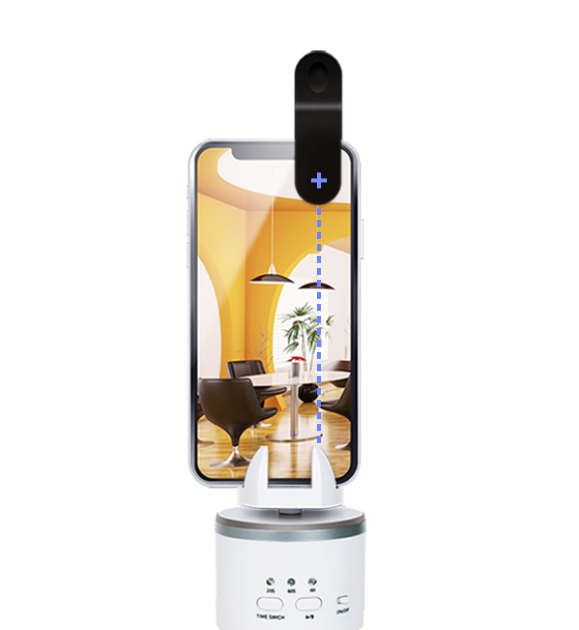
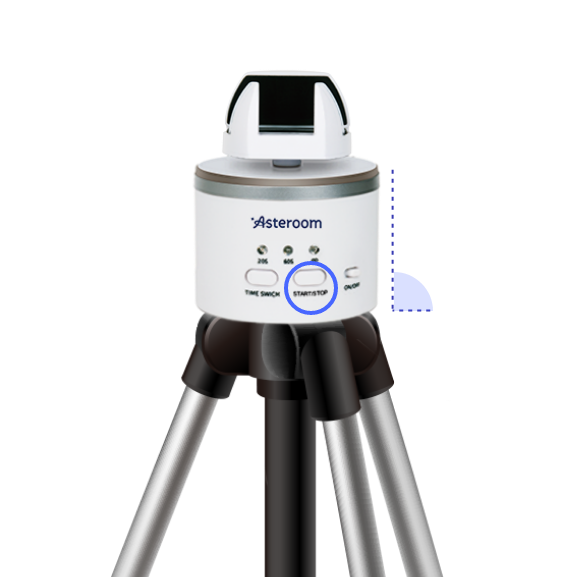
Double check that Pano Kit is set up on even ground and does not shake while turning. Check attachment of fisheye lens on the phone. The center of the fisheye lens should be placed exactly at the center of the rear lens of your phone. Please refer to our tutorial video on How to set up Asteroom Pano Kit. Check the detected range is clean and no covering.
Keep fisheye lens align with the clip jaw as possible to prevent offsetting.
Don't lock too tight causing stuck nor too loose causing phone shaking. Test rotation with START/STOP before shooting. And it’s recommended to use a standard tripod.
Use level within the app to check its stability.
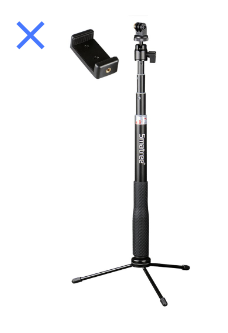
If you are using a monopod, it is recommended to use the timer to allow the monopod to stabilize after you tab the camera although we always recommend using a steady tripod. When shooting again, take multiple shots at the same location and pick the best one.
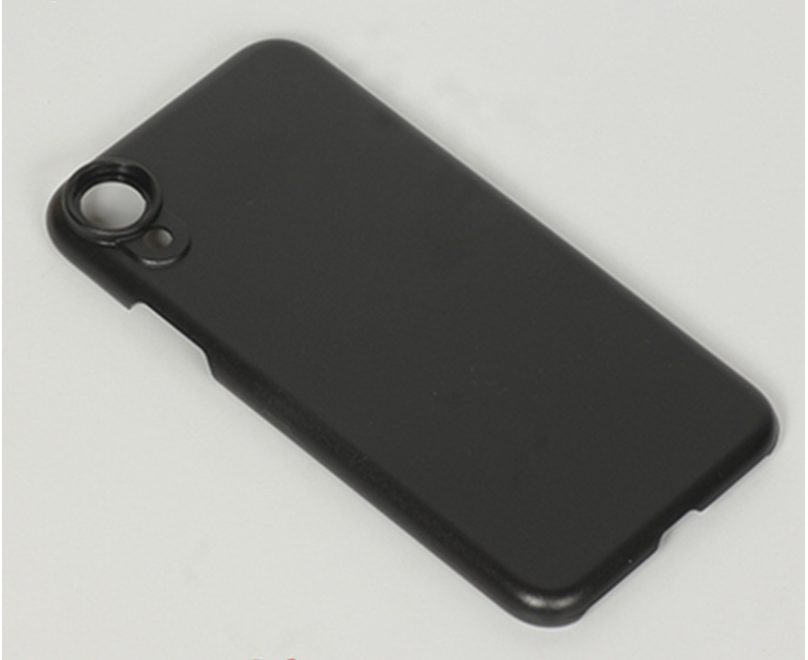
Use special phone case for fisheye lens attachment. There are some phone models not easy to attach the lens at the right position without a phone case. We provide phone cases for iPhone Series and Samsung Galaxy series. https://www.asteroom.com/en/pricing phone cases for fisheye lens attachment.
When to use timer?
Using a timer is recommended under the following scenarios
If you don't want to move along with the rotator, you may choose to set a timer and leave the room.
Monopods are susceptible to shaking. It is recommended to use the timer to give it time to stabilize after tabbing ‘Camera’.


 进入拍照。
进入拍照。 至相簿浏览,可于此时更改相簿名称。
 选取该相簿并点选
  上传,即可汇入全景图并创建新项目。
 开启项目分享功能:至专案首页




 会亮起。若仍无法联机,请透过APP里的回报问题功能,回馈此状况。


